
SweetyPDF
SweetyPDF
pdf5 min readSep 1, 2026

How to Compress a PDF for Email Without Losing Quality

Learn why PDF attachments exceed email size limits and how to shrink your file down by 80% with crisp text and sharp images 100% free.

S
By SweetyPDF Editorial Team (Document & Workflow Specialist)
Fact-Checked & Technically Verified
How to Compress a PDF for Email Without Losing Quality
📸Step-by-Step Visual Guide
Quick Answer (TL;DR)

To compress a PDF without quality loss, drop your file into our free PDF Compressor. Choose 'Balanced' compression, which removes metadata, cleans redundant streams, and downsamples high-res background images to 150 DPI while keeping typography crystal clear.

Recommended Free Tool

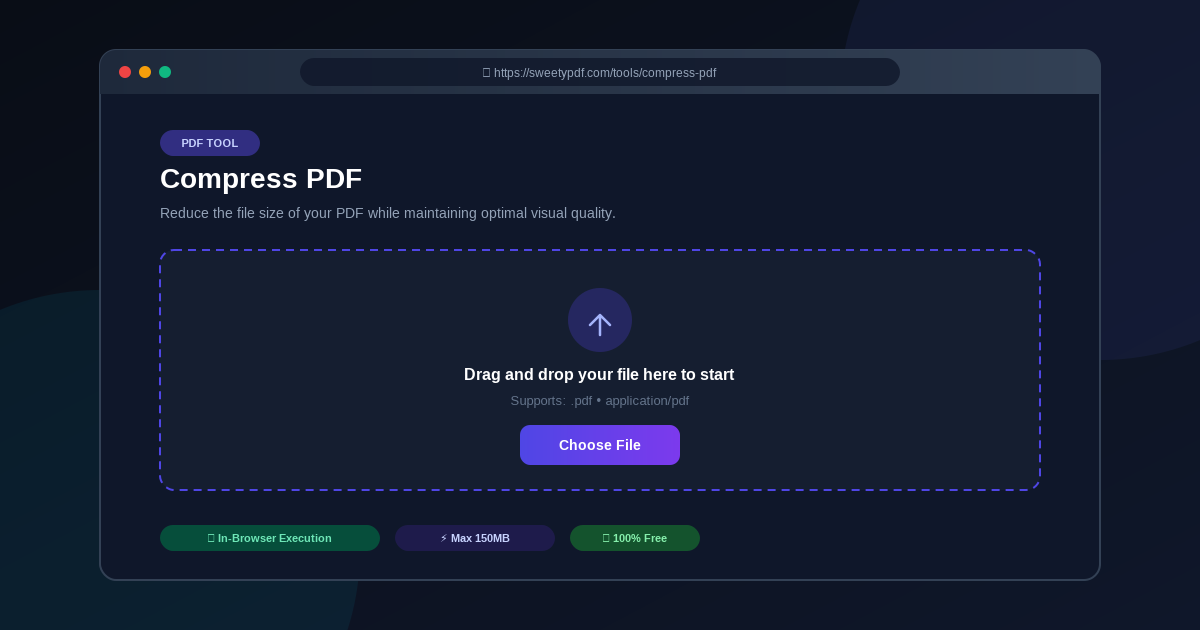
Compress PDF

Reduce the file size of your PDF while maintaining optimal visual quality.

Launch Free Tool 🚀

Why Email Providers Block Large PDFs

Most major email services (Gmail, Outlook, Yahoo) enforce a strict 25 MB attachment limit. When you create a presentation, scan invoices, or export a report from Figma or Canva, uncompressed high-resolution images, font subsets, and vector paths can easily push a simple 10-page document past 40 MB.

Sending a link to cloud storage is often inconvenient for clients and recruiters who need the direct file. The solution is smart client-side compression under 25MB.

Step-by-Step: Compressing Your PDF in 3 Seconds

Step-by-Step PDF Compression Workflow Diagram
📸 Step-by-Step PDF Compression Workflow Diagram
01
02
Drag and drop your oversized document into the in-memory processing box.
03
Select your desired compression tier:
Balanced (Recommended): Up to 80% reduction, crystal-clear readability on all screens (150 DPI).
Extreme Compression: Maximizes size savings down to under 2 MB for strict hiring portals.
Low Compression: Best for professional print proofs and archiving.
04
Click Download Compressed PDF immediately. Your document is processed locally in your browser via WebAssembly, so your private data never leaves your computer.
💡 Pro Tip

💡 Pro Tip: If your file contains redundant blank pages or unnecessary appendices, use our Delete PDF Pages Tool prior to compressing to shave off an extra 30% of file weight instantly.

Understanding DPI: 72 DPI vs 150 DPI vs 300 DPI
Before and After PDF Compression Visual Proof 150 DPI
📸 Before and After PDF Compression Visual Proof 150 DPI
  • 300 DPI: Required only for physical commercial offset printing press.
  • 150 DPI (Golden Standard): The sweet spot for office reading, tablets, and email distribution. Typography remains razor-sharp even when zoomed to 200%.
  • 72 DPI: Minimal web resolution suitable for quick thumbnails.

Our compressor automatically targets optimal 150 DPI vector stream balancing so fonts remain vector-scalable.

3 Common Mistakes When Shrinking Documents

01
Taking screenshots of every page: This destroys text searchability, removes copy-paste functionality, and often makes the file larger than vector text.
02
Compressing an already compressed file repeatedly: Re-compressing produces visible pixelation artifacts around letters.
03
Leaving hidden crop data: If you cropped images in Word before exporting, the original large image is still stored inside the PDF. Using our Crop Margins Tool removes hidden overhead.
📌 Note

⚠️ Security Notice: Never upload sensitive financial statements or NDA contracts to unknown cloud tools. SweetyPDF operates 100% in-browser for absolute data privacy.

AdvertisementSponsor

Frequently Asked Questions

Does compressing a PDF delete text or links?▼

No. High-quality vector compression cleans up redundant metadata and resamples image bitmaps, while leaving all selectable text, fonts, and clickable hyperlinks intact.

What is the maximum file size I can upload?▼

Because our tool operates 100% locally in your browser with zero server uploads, you can compress files up to 500 MB without hitting server quotas.

Related Free Tools

User Reviews & Feedback

0

Share your feedback and experience to help us continuously improve our tools.

Leave your rating
5 / 5
Moderated content verified for safety
Loading comments...
How to Compress a PDF for Email Without Losing Quality | SweetyPDF