

Why Email Providers Block Large PDFs
Most major email services (Gmail, Outlook, Yahoo) enforce a strict 25 MB attachment limit. When you create a presentation, scan invoices, or export a report from Figma or Canva, uncompressed high-resolution images, font subsets, and vector paths can easily push a simple 10-page document past 40 MB.
Sending a link to cloud storage is often inconvenient for clients and recruiters who need the direct file. The solution is smart client-side compression under 25MB.
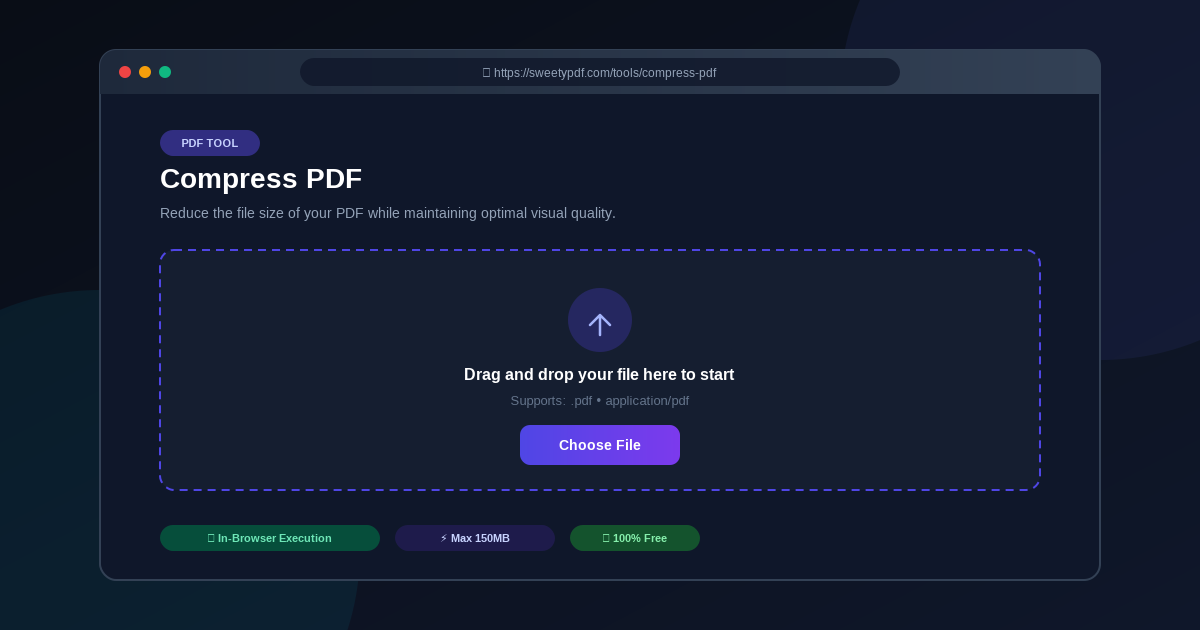
Step-by-Step: Compressing Your PDF in 3 Seconds

💡 Pro Tip: If your file contains redundant blank pages or unnecessary appendices, use our Delete PDF Pages Tool prior to compressing to shave off an extra 30% of file weight instantly.
Understanding DPI: 72 DPI vs 150 DPI vs 300 DPI
- 300 DPI: Required only for physical commercial offset printing press.
- 150 DPI (Golden Standard): The sweet spot for office reading, tablets, and email distribution. Typography remains razor-sharp even when zoomed to 200%.
- 72 DPI: Minimal web resolution suitable for quick thumbnails.
Our compressor automatically targets optimal 150 DPI vector stream balancing so fonts remain vector-scalable.
3 Common Mistakes When Shrinking Documents
⚠️ Security Notice: Never upload sensitive financial statements or NDA contracts to unknown cloud tools. SweetyPDF operates 100% in-browser for absolute data privacy.